

M365 Groups – Part 2: FAQs on Management, Group Types, and Governance
Microsoft 365 groups are quick to create. But that very simplicity can lead to a lack of transparency, unclear responsibilities and an increasing administrative burden in many organizations. What initially sounds like flexible collaboration often becomes a governance challenge in practice.
In this article, we answer common questions about M365 groups, Microsoft Teams and Entra ID, drawing on practical experience from customer projects and focusing on structured identity governance.
Index
🎥 The video below covers the questions discussed in this article and is available in German only with english subtitle:
Can owners and members of an M365 group be managed centrally?
Owners and members can be managed, but not centrally in the strictest sense. Depending on how they are used, M365 groups are managed through different interfaces, such as the Admin Center, Entra ID, Teams or Outlook. In practice, this distribution often causes problems: responsibilities are unclear, changes are made in different places, and it is rare to have a consistent overview of all groups.
From an identity governance perspective, this is one of the main reasons for uncontrolled growth and increasing administrative effort. Organizations should therefore define clear rules early on, such as who is allowed to create groups, who is responsible for them and how memberships are maintained.
Can an M365 group be converted into a security group?
No, it is not possible to directly convert an M365 group into a security group. The reason lies in their different purposes: M365 groups are designed for collaboration and automatically provide services such as Teams, SharePoint or Outlook, while security groups are used exclusively to control access.
In practice, this means that both types of groups must coexist whenever both collaboration and permission management are required.
Synchronizing memberships
In larger or hybrid environments, manually maintaining these groups can quickly become time-consuming and error-prone. Different membership lists, forgotten updates and inconsistencies are common consequences.
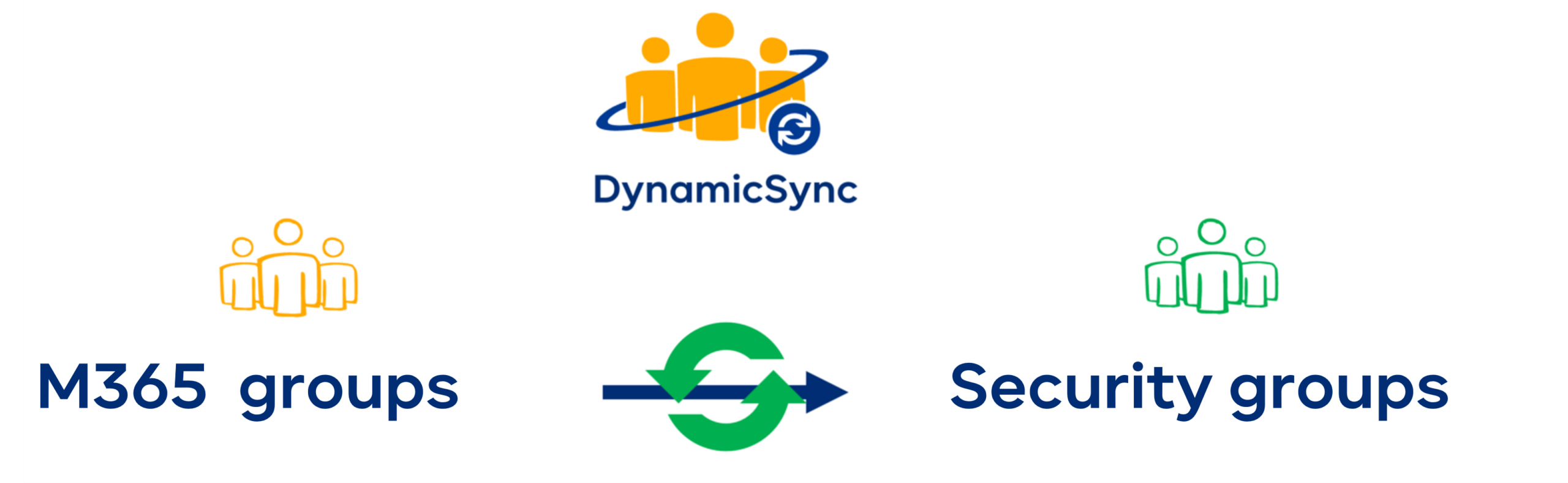
Automated synchronization is therefore almost essential. DynamicSync offers a specialized solution for this scenario. It lets you reliably synchronize memberships between M365 groups and security groups without custom scripts and with clear, traceable logic. Unlike homegrown solutions, synchronization remains transparent, maintainable and reliable over time.
What is the difference between “assigned” and “dynamic” membership?
M365 groups support different models for managing membership. With assigned groups, membership is managed manually. This model is particularly suitable for project teams or fixed working groups where membership is decided deliberately. The advantage is clear control; the downside is the ongoing effort required to maintain the group.
Dynamic groups work differently: membership is automatically managed based on attributes such as department, location or role. When those attributes change, group membership is updated automatically, without manual intervention.
From an identity governance perspective, dynamic groups are an important way to automate processes, although they are not suitable in every context.
Why can dynamic groups be problematic in Microsoft Teams?
Microsoft Teams is always based on a Microsoft 365 group. That group can also be managed dynamically in Entra ID. In these scenarios, membership is automatically determined by defined attributes such as department or location.
This may seem appealing at first, but it can lead to unexpected results in practice: when user attributes change, group membership is updated automatically, which also affects access to the associated team. For example, when someone changes departments, they may suddenly be removed from a team.
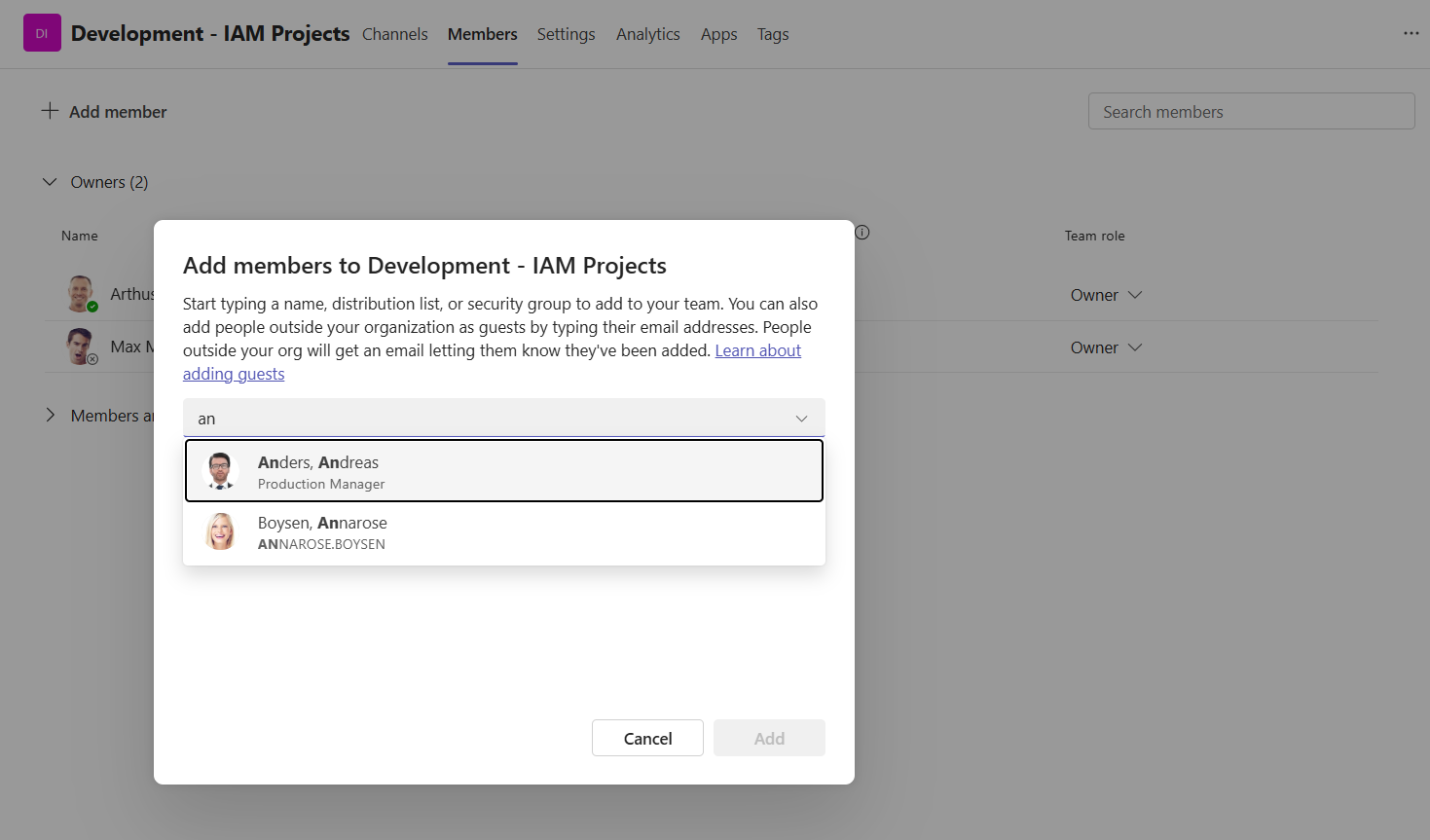
Another consequence is that Teams owners cannot manually add members if the team is linked to a dynamic M365 group.
This can disrupt collaboration, result in lost knowledge and create uncertainty for users, especially in project teams. For this reason, many organizations deliberately use more stable, manually maintained structures for Teams (that is, fixed group memberships).
Combining automation with stability
The real challenge is bringing automation and stability together.
Solutions such as DynamicSync let you bring in members from dynamic groups without changing existing team structures. In other words, Teams owners can continue to add members while DynamicSync automatically synchronizes members into the group. The result is controlled, traceable membership—a key component of modern identity governance.
Can you delete groups that still have members?
Yes, this is technically possible, but it can be risky in practice. When a group is deleted, all its members immediately lose access to the associated resources. This is particularly critical if people responsible for business operations or owners of important content are affected.
Without clear rules, this can seriously disrupt day-to-day work. From a governance perspective, structured processes are therefore essential, such as approvals or clearly defined responsibilities.
What happens when you delete an M365 group?
When an M365 group is deleted, all associated services are removed. These include the Teams team, the SharePoint site, the group mailbox and other content such as Planner or OneNote. Access is lost immediately.
Restoration
Deleted groups can be restored within 30 days. After that, they are permanently removed. This is precisely why structured lifecycle management is essential to identity governance.
Conclusion
M365 groups are a central part of modern collaboration, but they are also a frequently underestimated challenge. A lack of transparency, distributed administration and inconsistent memberships create unnecessary complexity in many organizations.
Organizations that want to manage Microsoft 365 sustainably need clear governance rules and targeted automation. This is where Identity Governance & Administration (IGA) comes in: helping bring control, transparency and efficiency into balance.
Facing similar challenges? Get in touch—we’ll show you how to make your group structures sustainable and manageable.
More about DynamicSync
 DynamicSync is a cloud group automation solution from FirstAttribute AG. As a cloud-only service (SaaS), DynamicSync is designed for dynamic and automatic